
The Chew app
See It. Cook It.
Capture food. Get the recipe. Watch it come to life.
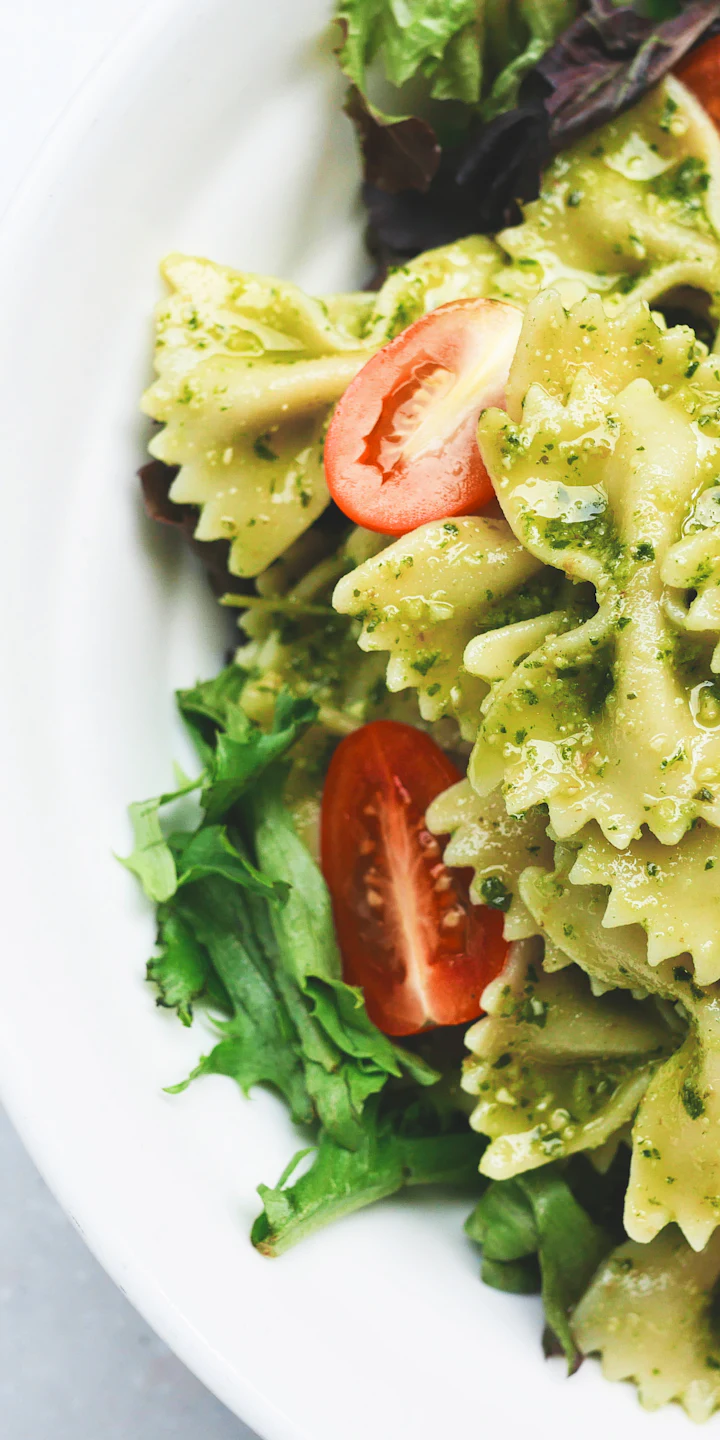
Take a Photo
Snap any dish — a restaurant plate, a friend’s dinner, a photo in your feed.
Get the Recipe
Chew’s food AI identifies the dish and builds the recipe.
See It Cook
Watch the recipe come to life, step by step.
Store listings are coming soon — tap a button to be taken to the latest details.
For Chew affiliates
Download the app, then link it to your Chew account from Back Office → See It. Cook It. Your activation status updates automatically once you complete the in-app activation step.
- 1DownloadApp Store or Google Play
- 2Link or recognize your Chew accountSign in or enter your link code
- 3Complete activationFinish the required in-app step
- 4Profile updatedYour back office shows you as activated
Sharing the app
Every affiliate gets a tracked app link and QR code. When someone downloads through it, the download click is recorded against the affiliate who shared it — and, where the stores support it, the install carries that attribution too.
Download buttons on this site keep the attribution of the affiliate link that brought the visitor here.